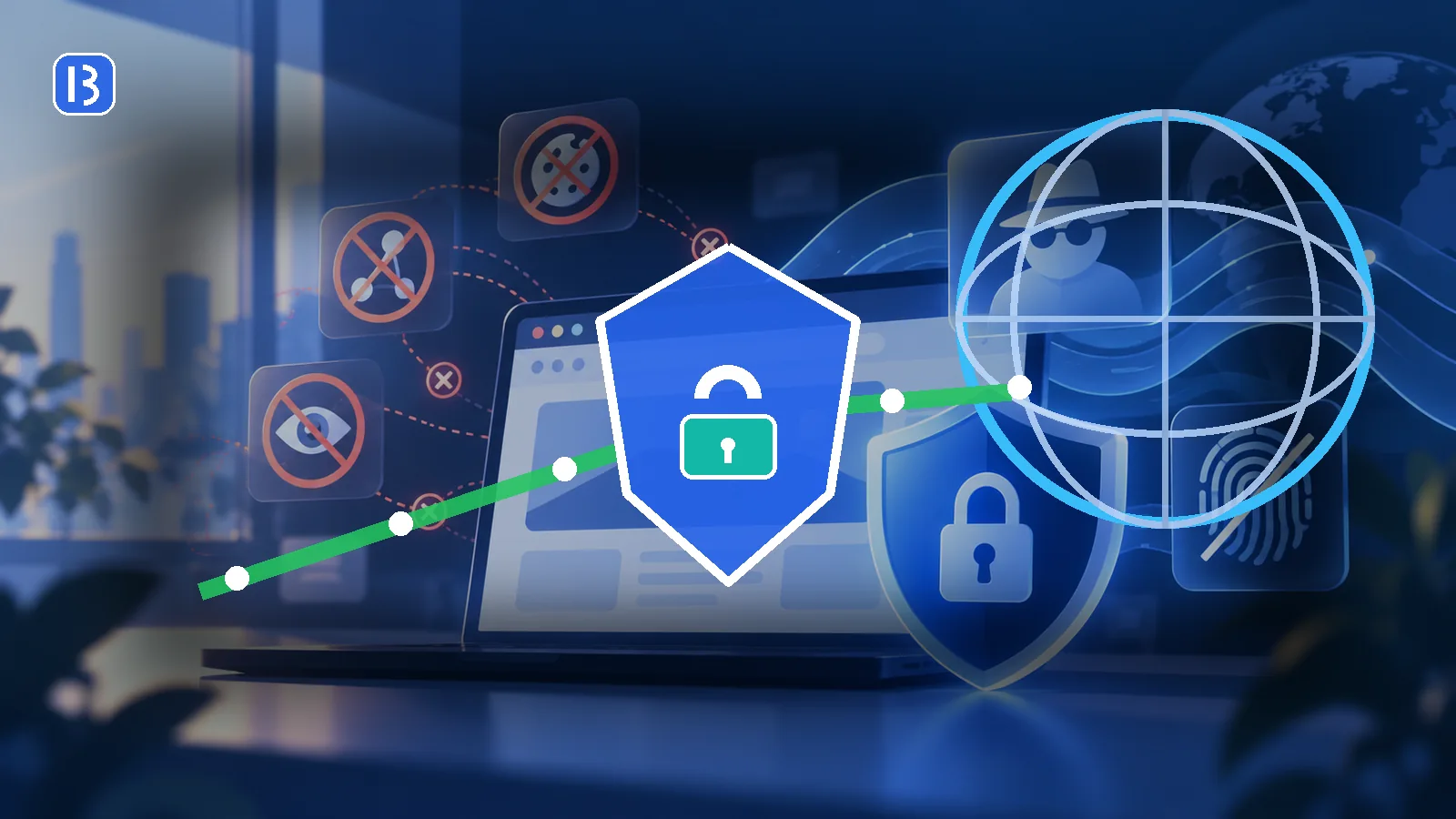
A virtual private network, or VPN, creates an encrypted connection between your device and a VPN server. Your internet traffic is routed through that server before continuing to websites and online services.
This changes what different parties can observe. The local network and internet provider can normally see that your device connects to the VPN, while destination websites usually see the VPN server’s public IP address instead of the address assigned directly to you.
How a VPN works
Without a VPN, your device sends traffic through the local network and internet provider toward its destination. HTTPS may encrypt the contents of a web session, but network operators can still process connection information needed to route traffic.
With a VPN, compatible traffic is first encrypted and sent to a VPN server. The server forwards it toward the final destination. Mozilla describes its VPN as an encrypted tunnel between a device and secure servers that uses the server’s IP address and location.
What a VPN can help protect
Traffic on an untrusted local network
A VPN can reduce what a public Wi-Fi operator or another local observer can learn from traffic between your device and the VPN server. This is useful on networks you do not control.
Your public IP address from destination sites
Websites generally see the IP address of the VPN exit server. This can make location estimates less precise and can reduce IP-based profiling.
Traffic across the internet provider’s network
The internet provider can usually see that you are using a VPN and how much data is transferred, but the encrypted tunnel limits visibility into the traffic carried inside it.
What a VPN cannot guarantee
Complete anonymity
Websites can identify users through account logins, cookies, browser fingerprinting, payment details and behavior. Logging into an account reveals that account regardless of the visible IP address.
Protection from phishing
A VPN can securely carry traffic to a fraudulent website. It does not decide whether the website is honest. You must still inspect domains and avoid deceptive links.
Protection from malware
A VPN is not a substitute for updates, safe downloads and endpoint security. Malware that reaches a device may operate after traffic leaves the tunnel.
Protection on a compromised device
If an attacker controls the phone or computer, information may be captured before it enters the VPN or after it is decrypted.
Trust elimination
A VPN shifts part of the trust relationship from the local network and internet provider to the VPN provider. The provider operates the server where traffic exits the tunnel.
HTTPS still matters
A VPN protects the path to the VPN server. HTTPS protects the web connection to the destination. You should continue to expect HTTPS and avoid certificate warnings while using a VPN.
Browser-only VPN versus device-wide VPN
Some browser features protect only traffic originating inside that browser. A device-wide VPN can route traffic from multiple applications.
Mozilla distinguishes its device-wide Mozilla VPN from Firefox’s built-in VPN feature, which protects only Firefox traffic. Check the product description rather than assuming every service covers the entire device.
Can a VPN change your apparent location?
A website may estimate location from the VPN server’s IP address. This does not change GPS data, account country, payment information or all other location signals. Services may also restrict VPN use under their terms.
How to evaluate a VPN provider
- Ownership: identify the company responsible for the service.
- Privacy policy: understand what connection, account and payment information is retained.
- Independent audits: examine scope and date rather than relying only on an audit claim.
- Security design: look for maintained protocols, DNS protection and a reliable kill switch where needed.
- Business model: be cautious when a free service does not clearly explain how it is funded.
- Device coverage: confirm whether protection is browser-only or system-wide.
- Account security: protect the VPN account with a unique password and two-factor authentication if available.
Should you use a VPN on public Wi-Fi?
A reputable VPN can provide an additional encrypted layer on a public network. It should complement, not replace, HTTPS, software updates, careful hotspot verification and account security. See our public Wi-Fi safety guide for a complete checklist.
The bottom line
A VPN can protect traffic between your device and a VPN server and can hide your direct public IP address from destination sites. It cannot make a compromised device safe, prove that a website is legitimate or prevent tracking tied to accounts and browser data. Choose a provider carefully and treat a VPN as one part of a broader privacy and security strategy.