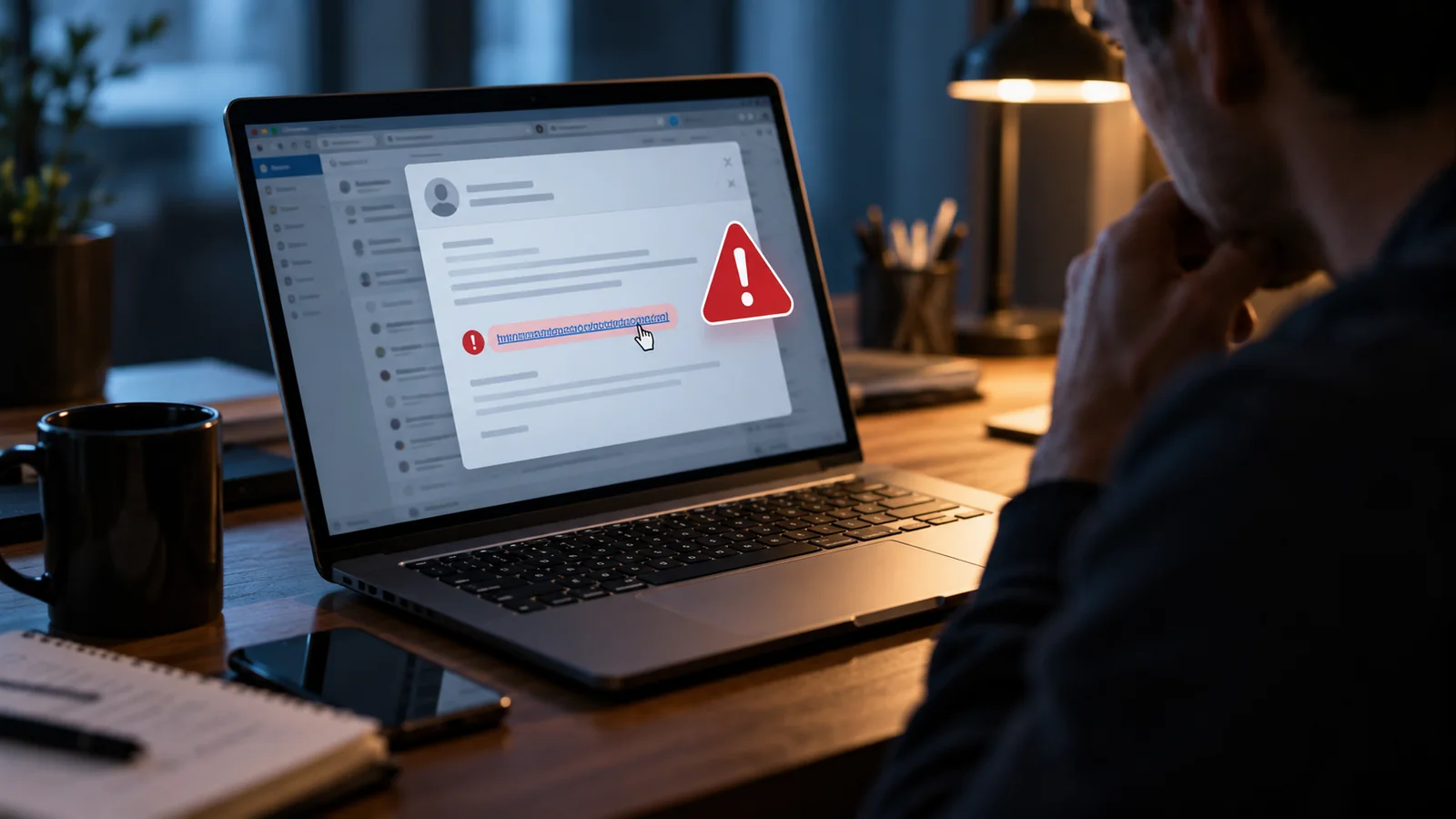
Phishing is a form of social engineering in which an attacker pretends to be a trusted person or organization. The goal may be to steal a password, persuade someone to send money, install malware or collect personal information.
A phishing message may look polished, use a familiar logo and refer to a real company. Good grammar is no longer a reliable sign of safety. The safer approach is to examine the request, verify it through a separate channel and avoid acting under pressure.
How phishing works
A typical attack has several stages:
- Impersonation: the attacker claims to be a bank, employer, delivery service, government agency, executive, friend or support team.
- Pressure: the message creates urgency, fear, curiosity or an opportunity that seems unusually valuable.
- Action: the user is asked to click a link, open a file, send money, reveal a code or sign in.
- Capture or compromise: a fake page records credentials, a payment is sent, or malware gains access.
Some campaigns target thousands of people. Others are carefully researched and aimed at one employee or organization. Targeted phishing is often called spear phishing.
Phishing can arrive through many channels
- Email phishing: fake invoices, password alerts, shared documents or account warnings.
- Smishing: phishing by SMS or other text messaging.
- Vishing: voice calls designed to obtain information or authorize payments.
- Social-media phishing: fake support accounts, giveaway messages or compromised contacts.
- Search and advertising abuse: fake support or login pages promoted through ads or manipulated search results.
- QR-code phishing: a QR code hides the destination until it is scanned.
Common warning signs
Urgency or threats
Messages may claim that an account will be closed, a payment is overdue or legal action will begin unless you act immediately. Pressure is designed to reduce careful thinking.
An unexpected request
Be cautious when a familiar organization suddenly asks for credentials, verification codes, gift cards, cryptocurrency, bank details or remote access.
A suspicious sender
The display name may look correct while the actual email address uses a different domain, extra characters or a misspelling. A compromised real account can also send malicious messages, so the sender alone is not proof.
A deceptive link
The visible text can say one thing while the destination goes elsewhere. On a computer, hovering may reveal the target. On a phone, long-pressing may show a preview, but do not open the link merely to investigate.
An attachment you were not expecting
Invoices, delivery notices, resumes and shared documents are common disguises. Even familiar file types can contain dangerous links or scripts.
A request for a one-time code
A legitimate support representative should not need the code used to complete your own login. A scammer may already have your password and need the code to finish the attack.
How to verify a message safely
- Pause. Do not let the message’s deadline control your response.
- Use a trusted route. Open the organization’s official app, use a saved bookmark or type the known web address yourself.
- Contact the person separately. Use a phone number or address you already know, not the one provided in the suspicious message.
- Check the account directly. If there is really a payment, security alert or document, it should often appear inside the official service.
- Ask for a second opinion. A colleague, friend or security team may spot a problem you missed.
The Federal Trade Commission advises users not to click a link in an unexpected message that appears to come from a company they know. Instead, contact the company using a website or number you know is genuine.
Examine the domain, not just the page design
A fake page can copy colors, logos and layout. The domain in the address bar is more important. Read it from right to left around the registered domain. For example, a name placed before an unrelated domain does not make the site official.
HTTPS and a padlock mean the connection is encrypted; they do not prove that the operator is honest. Scam sites can also obtain certificates.
Payment requests deserve extra verification
Stop when an unexpected contact insists on gift cards, cryptocurrency, wire transfers or moving money to “protect” it. These payment methods can be difficult to reverse. Verify invoices and bank-detail changes using a known contact method, especially in a workplace.
What to do if you clicked a suspicious link
Clicking does not always mean an account has been compromised, but take the situation seriously.
- Close the page and do not download or run files.
- If a file opened or software was installed, update security software and run a scan.
- Check the browser’s download list and remove unexpected files without opening them.
- Report the message to your employer, email provider, service or relevant authority.
- Monitor the affected account for unusual sessions or changes.
What to do if you entered a password
- Go to the legitimate service from a trusted device.
- Change the password immediately.
- Change it anywhere else it was reused.
- Sign out other sessions and remove unknown devices.
- Enable or strengthen multifactor authentication.
- Review recovery addresses, phone numbers, forwarding rules and connected applications.
- Check for actions performed while the account was exposed.
If the compromised account is email, treat it as high priority because email can reset many other services.
What to do if you shared financial or identity information
Contact the relevant bank, card issuer or payment service using its official number. Explain what happened and ask about stopping or reversing transactions. If identity information was exposed, follow the recovery process provided by the appropriate authority in your country. U.S. consumers can use IdentityTheft.gov for an individualized recovery plan.
How organizations can reduce phishing risk
- Use phishing-resistant MFA where practical.
- Filter known malicious attachments, domains and links.
- Provide a simple reporting button or process.
- Verify payment and account changes through a second channel.
- Limit privileges and protect administrative accounts.
- Train staff with realistic examples without blaming people who report mistakes.
- Maintain incident-response and account-recovery procedures.
Can AI-generated messages be detected by grammar?
Not reliably. Generative tools can produce fluent messages and imitate a professional tone. Continue checking the sender, destination, request and independent context. A polished message can still be fraudulent.
A quick phishing checklist
- Was the message expected?
- Is it pushing immediate action?
- Does it ask for credentials, money or a verification code?
- Does the real destination match the organization?
- Can the request be confirmed through an official app, bookmark or known phone number?
- Would a trusted person or security team recognize the request as normal?
Frequently asked questions
Can a message from a real contact be phishing?
Yes. Their account may be compromised or their identity may be impersonated. Verify unusual requests separately.
Does a padlock mean a website is safe?
No. It means traffic between your browser and that site is encrypted. It does not confirm the site’s honesty.
Should I reply to test whether the sender is real?
Use a separate trusted channel instead. Replying may confirm that your address is active or continue the scammer’s conversation.