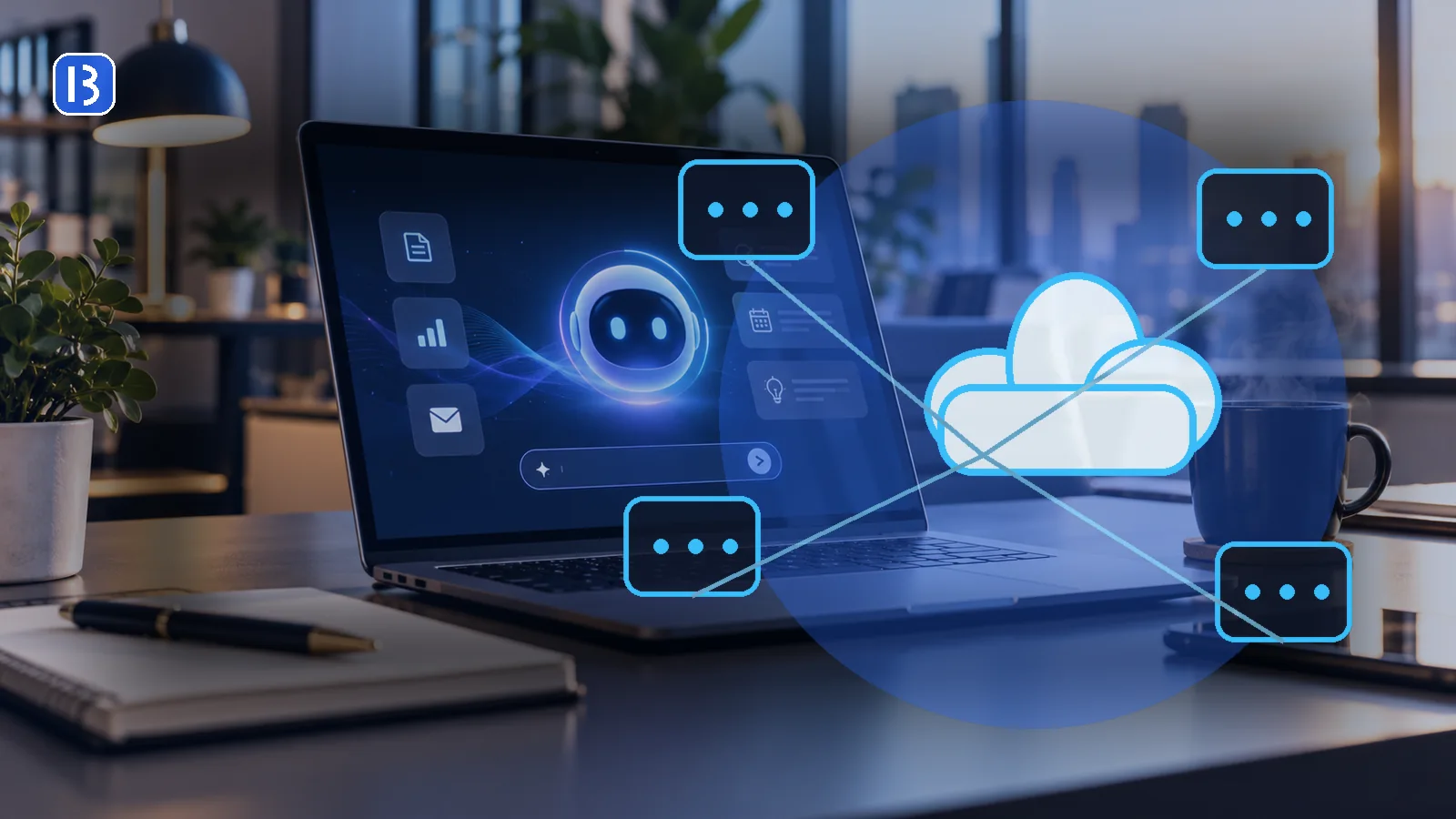
Cloud computing is the delivery of computing resources over a network, usually the internet. Instead of keeping every application, file, database or processing task on one computer, a cloud service lets people and organizations use remote systems operated in data centers.
That broad idea supports many familiar services. Webmail, online document editors, photo backup, streaming platforms, business software and rented virtual servers can all rely on cloud infrastructure. The word cloud does not mean that data floats somewhere without a physical location. It still lives on real servers, storage devices and networks.
Cloud computing in plain English
A traditional computer setup asks you to buy, install and maintain most of the hardware and software yourself. A cloud setup lets you request resources when you need them, reach them through a network and often pay according to usage or subscription.
The US National Institute of Standards and Technology describes cloud computing as on-demand network access to a shared pool of configurable resources that can be provisioned and released quickly. Its definition highlights five essential characteristics, three service models and four deployment models.
The three common cloud service models
Software as a Service (SaaS)
SaaS provides a finished application. The provider manages the underlying servers, operating systems and application infrastructure, while the customer normally manages accounts, settings and the information placed in the service.
Examples include web-based email, collaboration tools and subscription business applications. The main advantage is convenience: users can open the service without installing and maintaining the full system themselves.
Platform as a Service (PaaS)
PaaS gives developers a managed environment for building and running applications. The provider handles much of the operating system, runtime and infrastructure, while the customer focuses on application code and data.
This can speed up development, but it may also make an application more dependent on a provider’s tools and architecture.
Infrastructure as a Service (IaaS)
IaaS provides fundamental resources such as virtual machines, networks and storage. The provider maintains physical infrastructure, while the customer has more responsibility for operating systems, applications, access controls and configuration.
IaaS offers flexibility, but that flexibility also creates more opportunities for configuration mistakes.
Public, private and hybrid cloud
A public cloud provides resources through a commercial provider whose infrastructure serves many customers with logical separation between them. A private cloud is operated for one organization. A hybrid model connects private systems with public cloud services.
The label alone does not determine whether a system is secure. Security depends on architecture, identity controls, encryption, monitoring, configuration and the responsibilities of both the provider and the customer.
Why people and organizations use cloud services
- Scalability: resources can often grow or shrink faster than physical hardware can be purchased and installed.
- Accessibility: authorized users can reach services from different locations and devices.
- Collaboration: teams can work on shared data and documents.
- Reduced hardware management: the provider handles parts of the physical infrastructure.
- Resilience options: services may replicate data and workloads across systems or locations.
These benefits are not automatic. A poorly designed cloud system can still fail, lose data or expose sensitive information.
The shared responsibility idea
Cloud security is usually shared. A provider may secure buildings, physical servers and parts of the platform, but the customer may remain responsible for passwords, permissions, application settings, data classification and backups.
A secure provider cannot protect an account if an administrator grants public access to private files or if a stolen password is used without additional verification. Strong passwords and two-factor authentication remain important.
Risks and trade-offs
- Internet dependency: access may be limited when connectivity fails.
- Provider outages: remote services can become unavailable.
- Vendor lock-in: moving data or applications may be difficult.
- Privacy and jurisdiction: data may be processed in locations with different laws or policies.
- Misconfiguration: incorrect permissions are a common source of exposure.
- Account compromise: a stolen cloud account can provide access from anywhere.
Questions to ask before trusting a cloud service
- What data will the service store?
- Can you export your information in a useful format?
- Does the service support strong authentication?
- How are backups handled, and are you responsible for keeping another copy?
- Who can access the information?
- What happens when the subscription ends?
- Where is the data processed?
- How does the provider report security incidents?
Cloud sync is not always a backup
Synchronization is not always the same as backup. If a file is deleted, corrupted or encrypted by malware, a synchronized service may copy that change to other devices. Important information may need version history, recovery controls and an independent backup.
The bottom line
Cloud computing is a flexible way to access shared computing resources over a network. It can simplify collaboration and scaling, but it also shifts where systems run and how responsibility is divided. The right question is not simply whether a service is “in the cloud.” It is whether the service is designed, configured and governed appropriately for the information and task involved.