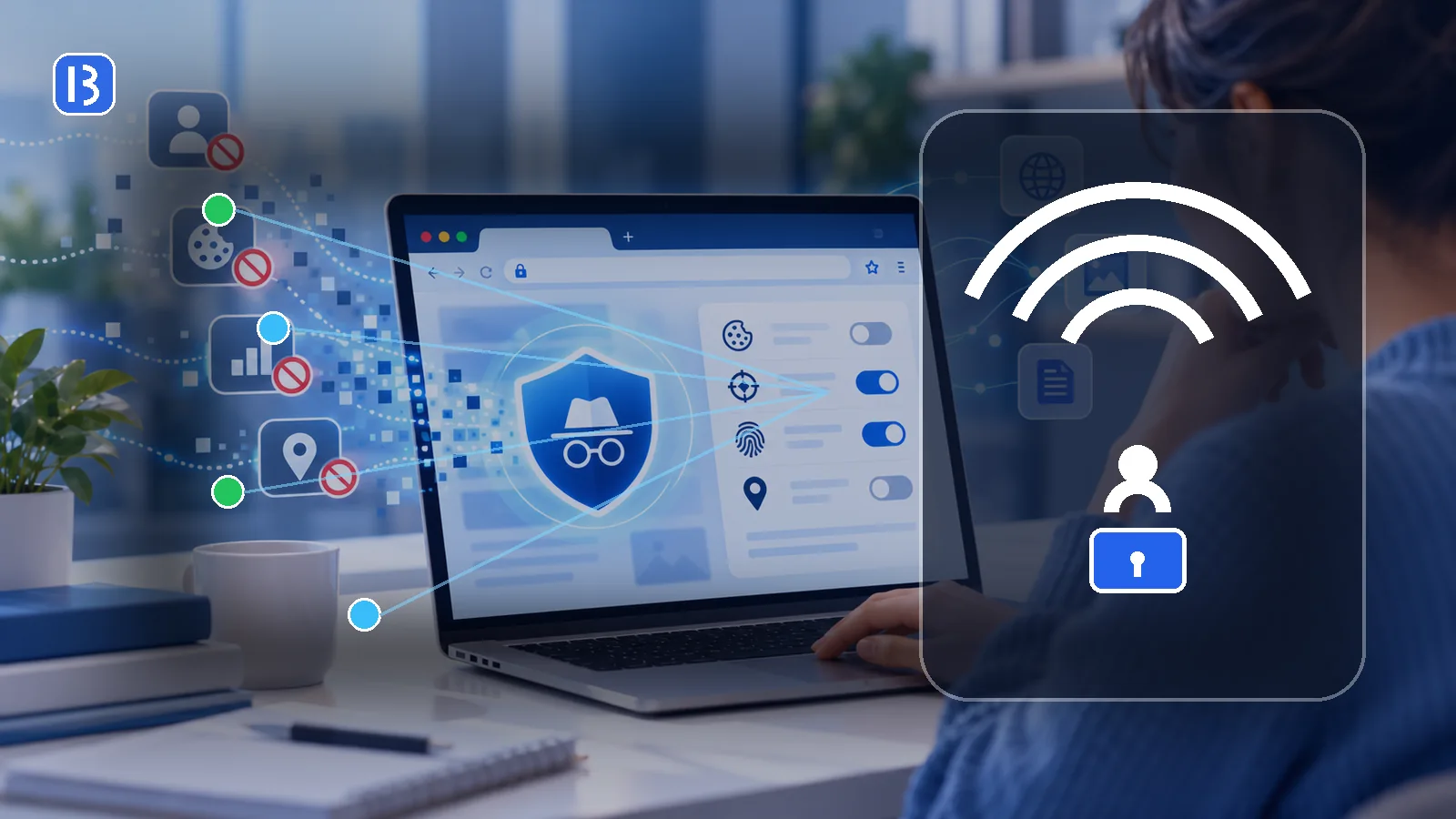
Public Wi-Fi is convenient in airports, hotels, cafés, libraries and shopping centers. It also creates uncertainty because you may not know who operates the network, whether the network name is genuine or how other connected devices are configured.
The risk is different from what it was in the early web. The Federal Trade Commission notes that widespread website encryption means connecting through public Wi-Fi is usually safer than it once was. When a website uses HTTPS correctly, the information traveling between your browser and that website is encrypted.
That does not make every hotspot or every online action safe. Public Wi-Fi cannot protect you from phishing, malicious downloads, fake login pages, weak passwords or a compromised device.
What HTTPS protects
HTTPS encrypts data between your browser and the website. Someone monitoring the local network should not be able to read the contents of a properly encrypted session, such as the password you submit to a legitimate HTTPS website.
Check that the address begins with https:// and that the browser does not show a certificate warning. A lock icon indicates an encrypted connection to the domain in the address bar; it does not prove that the website itself is honest.
Risks that still matter
Fake hotspots
An attacker can create a network name that resembles the venue’s real hotspot. A name such as “Airport Free WiFi” may look convincing without being official.
Malicious captive portals
Many public networks open a sign-in or terms page before allowing internet access. A fake portal may request unnecessary information, payment details or an existing email password.
Phishing and deceptive websites
Encryption cannot make a fraudulent website trustworthy. A phishing site can use HTTPS while attempting to steal information. Review the full domain name and avoid following unexpected login links. Read our phishing guide for additional warning signs.
Unsafe sharing settings
File sharing, device discovery and remote access features can expose more information than intended when connected to an untrusted network.
A practical public Wi-Fi checklist
- Confirm the network name. Ask staff or check an official sign instead of choosing the strongest signal with a familiar-looking name.
- Prefer your cellular connection for highly sensitive tasks. A personal hotspot can reduce uncertainty about the local network operator.
- Use HTTPS. Do not continue past browser certificate warnings.
- Keep software updated. Operating systems and browsers regularly receive security fixes.
- Turn off automatic connection. Do not let the device silently join any remembered open network.
- Disable unnecessary sharing. Use the operating system’s public-network profile where available.
- Use unique passwords and two-factor authentication. These reduce the damage if credentials are stolen.
- Forget the network afterward. Remove it from saved networks if you do not need automatic reconnection.
Should you use a VPN?
A trustworthy VPN creates an encrypted tunnel from your device to a VPN server. This can reduce what the local network operator can observe and can hide your public IP address from destination websites.
A VPN does not verify websites, block every malicious file or stop tracking tied to your account. It also shifts trust toward the VPN provider. Read our VPN guide before treating a VPN as a complete security solution.
Password-protected Wi-Fi is not automatically trustworthy
A network password mainly controls who can join. Everyone in a hotel or café may receive the same password, and the operator still controls the network equipment. Continue to use encrypted websites and normal account protections.
What to do if a portal asks for too much information
Stop if a public network asks for an email password, banking login, government identity number or unrelated payment information. Verify the portal address with the venue. When possible, use mobile data to visit the venue’s official website instead of trusting the portal itself.
The bottom line
Modern encryption has reduced some of the classic dangers associated with public Wi-Fi, but it has not eliminated scams, fake networks or unsafe device settings. Verify the hotspot, pay attention to the address bar, avoid suspicious portals and keep account security enabled.